Hello folks, I am having a looot of problems with Ghost self hosted, right now:
- Ghost email feature broke
- Ghost keeps redirecting to admin domain
So first I was trying to solve why Ghost keeps redirecting to old admin domain, this is my .env file:
kpk0@ubuntu-4gb-hel1-2:/opt/ghost$ cat .env
# Use the below flags to enable the Analytics or ActivityPub containers as well
COMPOSE_PROFILES=analytics,activitypub

# Ghost domain
# Custom public domain Ghost will run on
DOMAIN=blog.kapeka.dev

# Ghost Admin domain
# If you have Ghost Admin setup on a separate domain uncomment the line below and add the domain
# You also need to uncomment the corresponding block in your Caddyfile
#ADMIN_DOMAIN=

# Database settings
# All database settings must not be changed once the database is initialised
DATABASE_ROOT_PASSWORD=redacted
# DATABASE_USER=optionalusername
DATABASE_PASSWORD=redacted
# ActivityPub
# If you'd prefer to self-host ActivityPub yourself uncomment the line below
ACTIVITYPUB_TARGET=activitypub:8080

# Tinybird configuration
# If you want to run Analytics, paste the output from `docker compose run --rm tinybird-login get-tokens` below
TINYBIRD_API_URL=https://api.europe-west2.gcp.tinybird.co
TINYBIRD_WORKSPACE_ID=redacted
TINYBIRD_ADMIN_TOKEN=redacted
TINYBIRD_TRACKER_TOKEN=redacted
# Ghost configuration (
)

# SMTP Email (
)
# Transactional email is required for logins, account creation (staff invites), password resets and other features
# This is not related to bulk mail / newsletter sending
MAIL_TRANSPORT=SMTP
MAIL_OPTIONS_HOST=smtp.mailgun.org
MAIL_OPTIONS_PORT=587
MAIL_OPTIONS_SECURE=false
MAIL_OPTIONS_AUTH_USER=no-reply@blog.kapeka.dev
MAIL_OPTIONS_AUTH_PASS=redacted
MAIL_FROM="Kapeka's Blog <no-reply@blog.kapeka.dev>"

# Advanced customizations

# Force Ghost version
# You should only do this if you need to pin a specific version
# The update commands won't work
# GHOST_VERSION=6-alpine

# Port Ghost should listen on
# You should only need to edit this if you want to host
# multiple sites on the same server
# GHOST_PORT=2368

# Data locations
# Location to store uploaded data
UPLOAD_LOCATION=./data/ghost

# Location for database data
MYSQL_DATA_LOCATION=./data/mysql

# Configuration imported from existing Ghost install at /var/www/kapeka
security__staffDeviceVerification=false


kpk0@ubuntu-4gb-hel1-2:/opt/ghost$
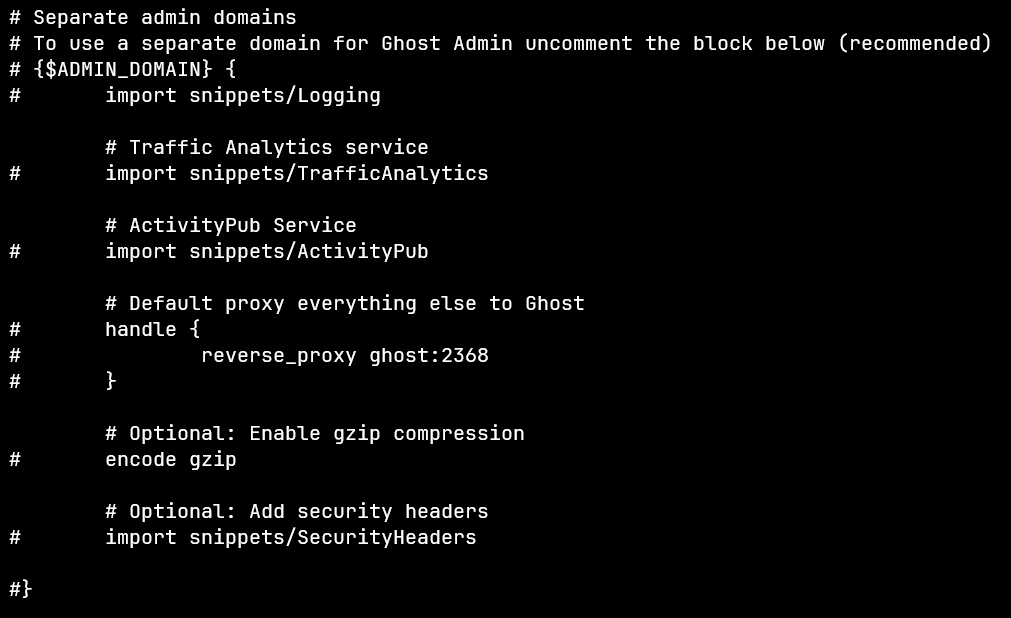
And this is my Caddy config:
{$DOMAIN} {
import snippets/Logging

    # Traffic Analytics service
    import snippets/TrafficAnalytics

    # ActivityPub Service
    import snippets/ActivityPub

    # Default proxy everything else to Ghost
    handle {
            reverse_proxy ghost:2368
    }

    # Optional: Enable gzip compression
    encode gzip

    # Optional: Add security headers
    import snippets/SecurityHeaders

}

Separate admin domains

To use a separate domain for Ghost Admin uncomment the block below (recommended)

{$ADMIN_DOMAIN} {

import snippets/Logging

    # Traffic Analytics service

import snippets/TrafficAnalytics

    # ActivityPub Service

import snippets/ActivityPub

    # Default proxy everything else to Ghost

handle {

reverse_proxy ghost:2368

}

    # Optional: Enable gzip compression

encode gzip

    # Optional: Add security headers

import snippets/SecurityHeaders

#}

Redirect www → root domain

To redirect the www variant of your domain to the non-www variant uncomment the 4 lines below

Note: You must have DNS setup correctly for both domains for this to work

www.{$DOMAIN} {

import snippets/Logging

redir https://{$DOMAIN}{uri}

}

Redirect root → www domain

To redirect the non-www variant of your domain to the www variant uncomment the 4 lines below and change CHANGE_ME to your root domain

Note: You must have DNS setup correctly for both domains for this to work

When using ActivityPub with a www. domain, you must enable this redirect for ActivityPub to work correctly

CHANGE_ME {

import snippets/Logging

redir https://{$DOMAIN}{uri}

}
I recreated the stack with: docker compose up -d –force-recreate, several times, and tried rebooting the VPS, but it just do not works, when I go to blog.kapeka.dev/ghost, it keeps redirecting to admin.blog.kapeka.dev, no matter what I change, that domain does not exist now so I can not manage my instance.
Also email stop working in one of this reboots, ghost container logs are:
Failed to send email. Reason: Sending failed. Please see Configuration - Ghost Developer Docs for instructions on configuring email. Error ID: a60c5c30-b249-11f0-ade0-8954cb8e0415 ---------------------------------------- Error: Sending failed at createMailError (/var/lib/ghost/versions/6.5.3/core/server/services/mail/GhostMailer.js:85:12) at DirectMailer. (/var/lib/ghost/versions/6.5.3/node_modules/nodemailer-direct-transport/lib/direct-transport.js:157:41) at DirectMailer. (/var/lib/ghost/versions/6.5.3/node_modules/nodemailer-direct-transport/lib/direct-transport.js:228:30) at /var/lib/ghost/versions/6.5.3/node_modules/nodemailer-direct-transport/lib/direct-transport.js:350:28 at callback (/var/lib/ghost/versions/6.5.3/node_modules/smtp-connection/lib/smtp-connection.js:374:14) at SMTPConnection. (/var/lib/ghost/versions/6.5.3/node_modules/smtp-connection/lib/smtp-connection.js:385:20) at SMTPConnection._actionRCPT (/var/lib/ghost/versions/6.5.3/node_modules/smtp-connection/lib/smtp-connection.js:1313:20) at SMTPConnection. (/var/lib/ghost/versions/6.5.3/node_modules/smtp-connection/lib/smtp-connection.js:1265:26) at SMTPConnection._processResponse (/var/lib/ghost/versions/6.5.3/node_modules/smtp-connection/lib/smtp-connection.js:669:16) at SMTPConnection._onData (/var/lib/ghost/versions/6.5.3/node_modules/smtp-connection/lib/smtp-connection.js:493:10) at TLSSocket.emit (node:events:519:28) at addChunk (node:internal/streams/readable:561:12) at readableAddChunkPushByteMode (node:internal/streams/readable:512:3) at Readable.push (node:internal/streams/readable:392:5) at TLSWrap.onStreamRead (node:internal/stream_base_commons:189:23)` ``
All the .env vars are setted and passed to the container, I do not know why it is failing…
I am dessperate, I love ghost, but how can things work so bad on self hosting ? I am following the docs but it just not works