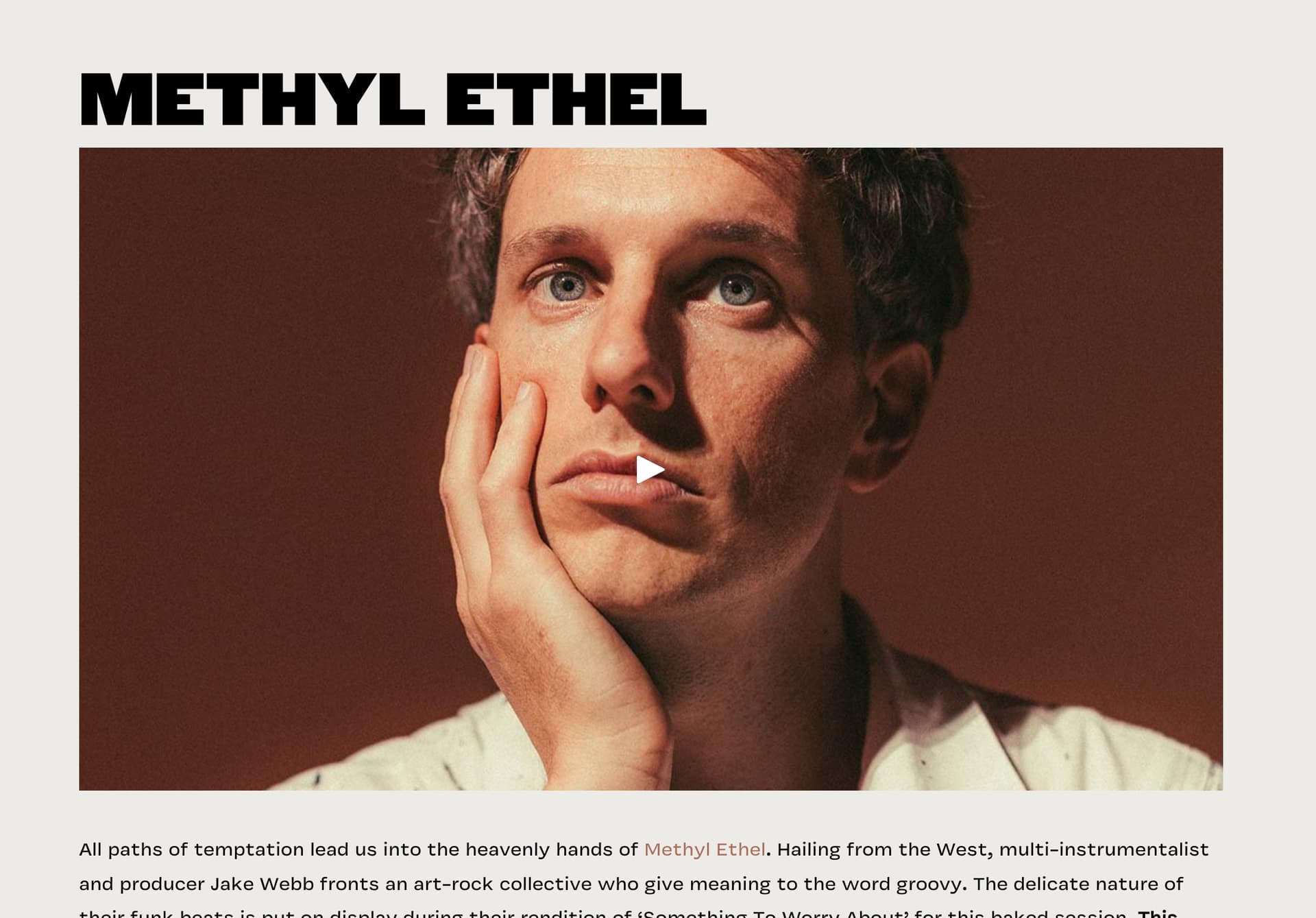
Hi there, my blog will be very video-heavy, live music performances filmed. We currently semi-use Squarespace and run everything on our Youtube (@maisonbaked)
I want to be able to use the Youtube URL link embed, but I want it to look clean when not playing. Squarespace has the option to put a photo or gif as the image cover with a play icon regardless of where the video is pulled from (Vimeo/youtube)
Hey! Yes — this can be done on Ghost, but it works a little differently than Squarespace, so expectations matter.
Ghost doesn’t have a built-in “video block with custom cover image” for YouTube in the same way Squarespace does. If you paste a YouTube URL into the editor, Ghost will auto-embed it, but you’ll get the standard YouTube player and thumbnail, branding included.
That said, there are clean, white-label-feeling ways to do this on Ghost without relying on YouTube’s default look.
The most common approach is to use a custom image or GIF as the cover, then load the YouTube embed only when the user clicks play. Visually, this feels very close to what Squarespace does.
Here’s the practical breakdown:
• You upload a still image or GIF (your chosen “cover”)
• Add a play button overlay (CSS or a simple SVG)
• On click, swap that image for the YouTube iframe
This keeps the page clean, fast, and branded until the user actually plays the video.
If you’re comfortable touching a little HTML, Ghost supports this well through:
Custom HTML cards in the editor
Theme templates
Small JavaScript snippets
Many Ghost themes already include lazy-loaded video components or “click-to-play” embeds for exactly this use case, especially media-focused themes.
Another option is using YouTube’s privacy-enhanced embed (youtube-nocookie) combined with CSS styling. This still shows a thumbnail, but it reduces branding and tracking, which helps with the white-label feel.
What Ghost doesn’t currently offer is a native UI toggle like Squarespace where you just pick a custom image for a YouTube embed out of the box. That part requires either theme support or light customization.
For a video-heavy music blog like yours, Ghost is still a solid choice — especially for performance and design control — but plan on:
Choosing a media-friendly theme
Or adding a reusable custom video block once and using it everywhere
I made a quick and simple tool. You can generate HTML code with a Youtube URL, that will just put the cover image with play icon to the page, and user click runs actual iframe from youtube-nocookie domain. So, it’s super fast and privacy friendly. Please check if it helps: Better YouTube Embed - Privacy-First YouTube Embed Generator
With a little more effort we can make it run with a custom image and play icon. Never mind, I added already