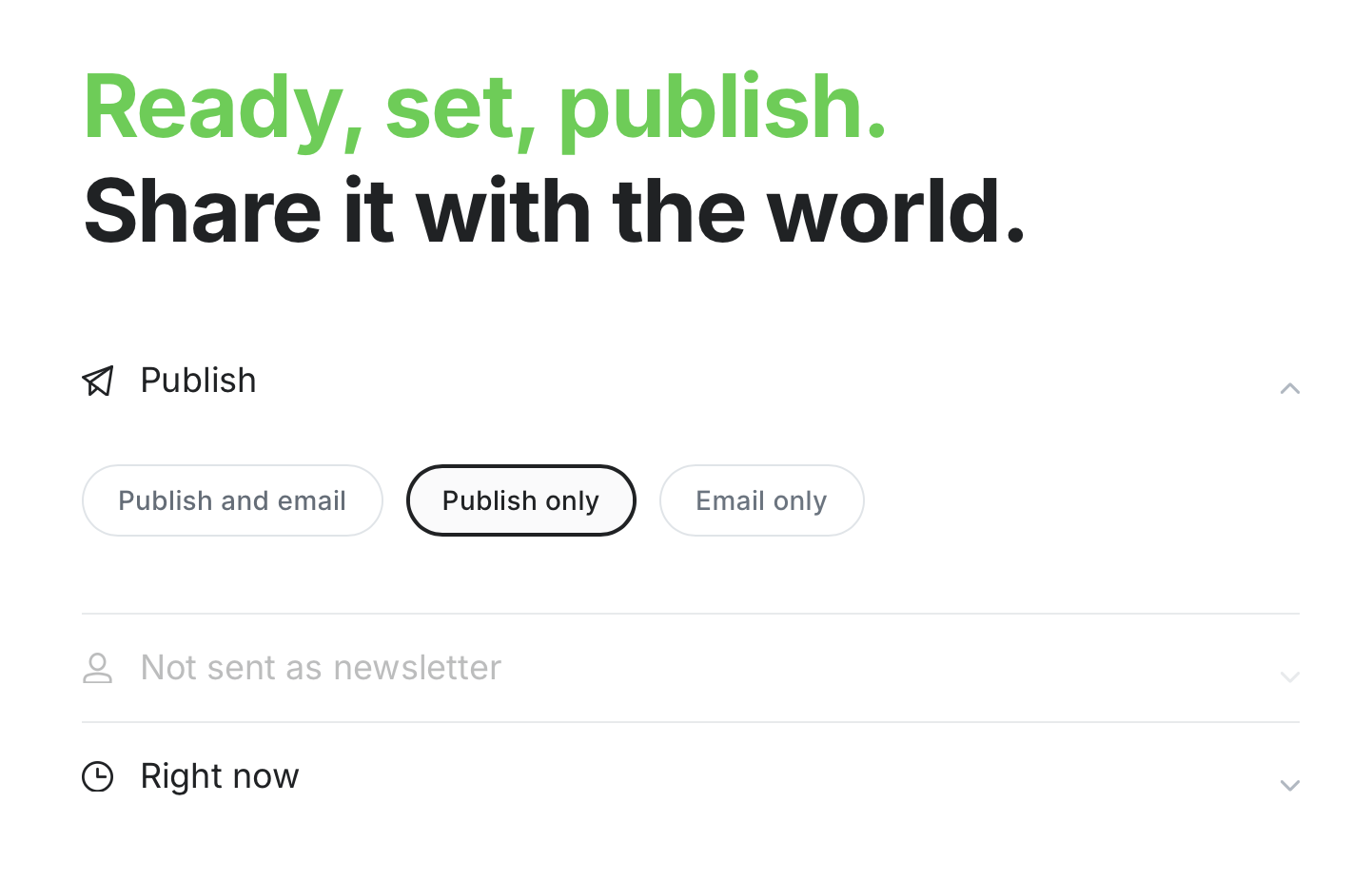
In the settings for Ghost Pro, I have Newsletter enabled.
For Default Recepients, it is set to “Usually Nobody.” I publish a news website, so I don’t want 10 posts going out daily to each recipient.
But I do want to create a post manually with a weekly roundup to send to members. However, when I try to publish it, the option to send as Newsletter to members is greyed out. So how can I selectively send posts as newsletters?
Newsletter only means that you can only see it in email. This is not indexed. And what do you mean embed a form? If you mean the Sign Up / Subscribe form, all you have to do is add the sign up widget in the ghost editor where you want it. If you’re talking about a 3rd party form, you can embed with HTML. And yes, you can filter on the backend.